
Common Shopify Mistakes
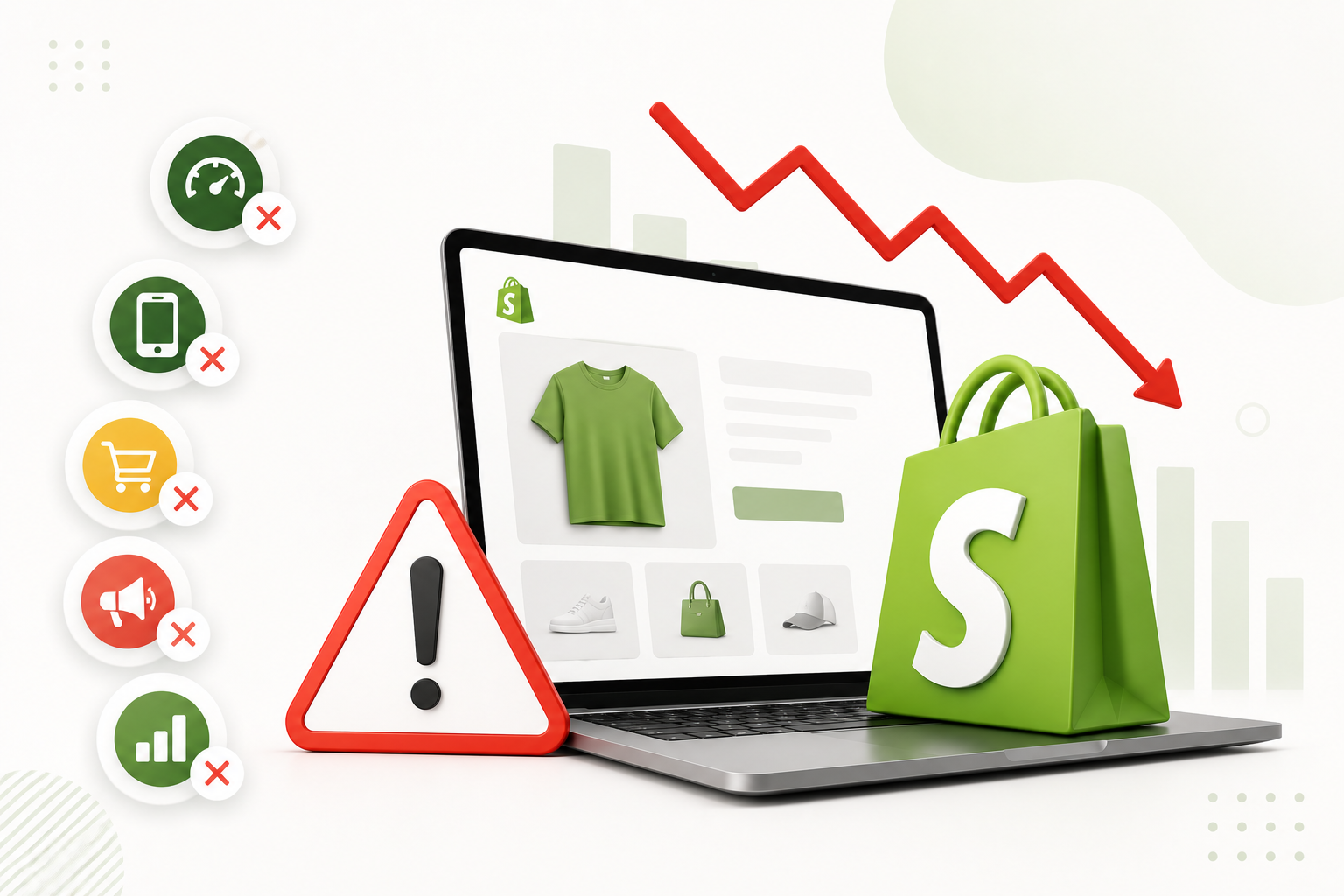
Running a successful Shopify store requires aligning design, copywriting, search engine optimization, and page speed correctly. Even small errors in your setup can cause major drop-offs in your conversion funnel, leading to cart abandonment and wasted advertising budgets. Let's look at the most common Shopify mistakes store owners make and how to easily resolve them.
Common Shopify Mistakes That Are Costing Store Owners Thousands
1. App Overload and Slow Page Load Speeds
Installing too many third-party apps is the single most common cause of slow Shopify stores. Every app you install adds external JavaScript files to your site's header, creating page render bottlenecks. Regularly audit your app list. Remove any apps you do not actively use, and prioritize apps that are optimized for speed or hire developers to write clean, custom Liquid solutions.
2. Poor Search and Collection Navigation
If visitors cannot find the exact products they are looking for within seconds, they will leave. Avoid using confusing names for your collections or setting up excessively deep nested menus. Use broad category tags, incorporate search bars with predictive results, and implement robust search filters (by size, price, color, and category) to help users navigate your store easily.
3. Complex and Friction-Heavy Checkout Flows
Requiring guest visitors to create accounts before purchasing, showing hidden shipping fees only at checkout, or offering limited payment gateways will spike your cart abandonment rates. Simplify your checkout: enable guest checkout, display shipping rates transparently on product pages, and support one-tap payment options like Shop Pay and UPI to maximize conversions.
About the author
Codelock team
Step into the content world with Codelock team, a seasoned Senior Content Writer at Identixweb. Passionate about e-commerce, technology, and marketing, she optimizes online visibility, crafting engaging content for business growth. Join the journey through words and innovation with Bidisha.

RECENT BLOGS
Related Blogs
Why Shopify is the Best eCommerce Platform for Growing Businesses in 2026
In 2026, the global eCommerce market demands speed, hyper-personalization, and rock-solid scalability. As growing brands...
Read More
Top 10 Reasons Entrepreneurs Choose Shopify Over WooCommerce and Magento
When starting or expanding an online store, entrepreneurs face a classic dilemma: WooCommerce, Magento, or Shopify? Whil...
Read More
Best Shopify Development Agency in Surat: How to Choose the Right Partner
Surat is emerging as a massive direct-to-consumer (D2C) and eCommerce powerhouse in India, driven by its vibrant textile...
Read More